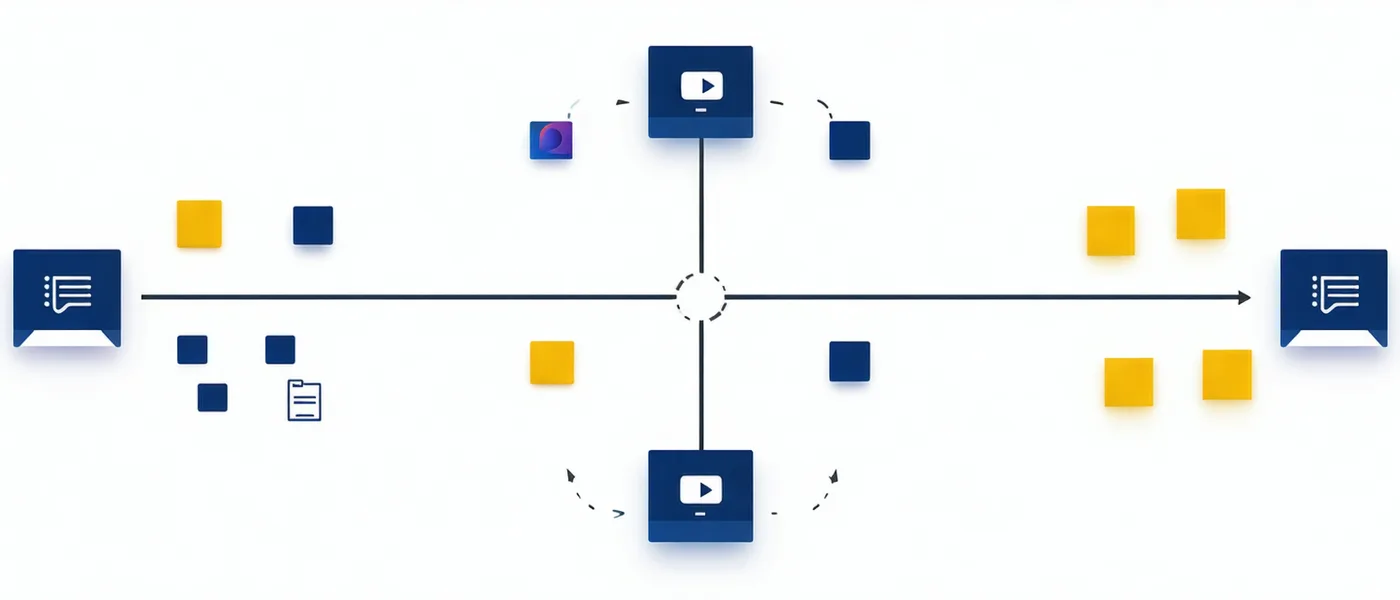
The meeting layer that makes work happen.
Notarail isn't a transcription tool. It extracts commitments, resolves owners, and pushes structured tasks downstream — so the gap between "we talked about it" and "it's in the queue" closes automatically, every time your team meets.
Extraction, not transcription
Transcription captures what was said. Extraction identifies what was committed to — and by whom. Notarail's extraction model is trained on standup and planning-session patterns: first-person ownership signals ("I'll handle it"), passive commitments ("that needs to go out by Thursday"), and decision markers ("we're going with option B"). Those patterns become structured records, not a wall of timestamped text.
The output is a ready-to-push task set, each with enough context to be actionable in your project tool without further editing. Notarail does not surface the transcript as the primary output — you'll find the extracted items first, with the conversation context one click behind.
Owner assignment — not "the team"
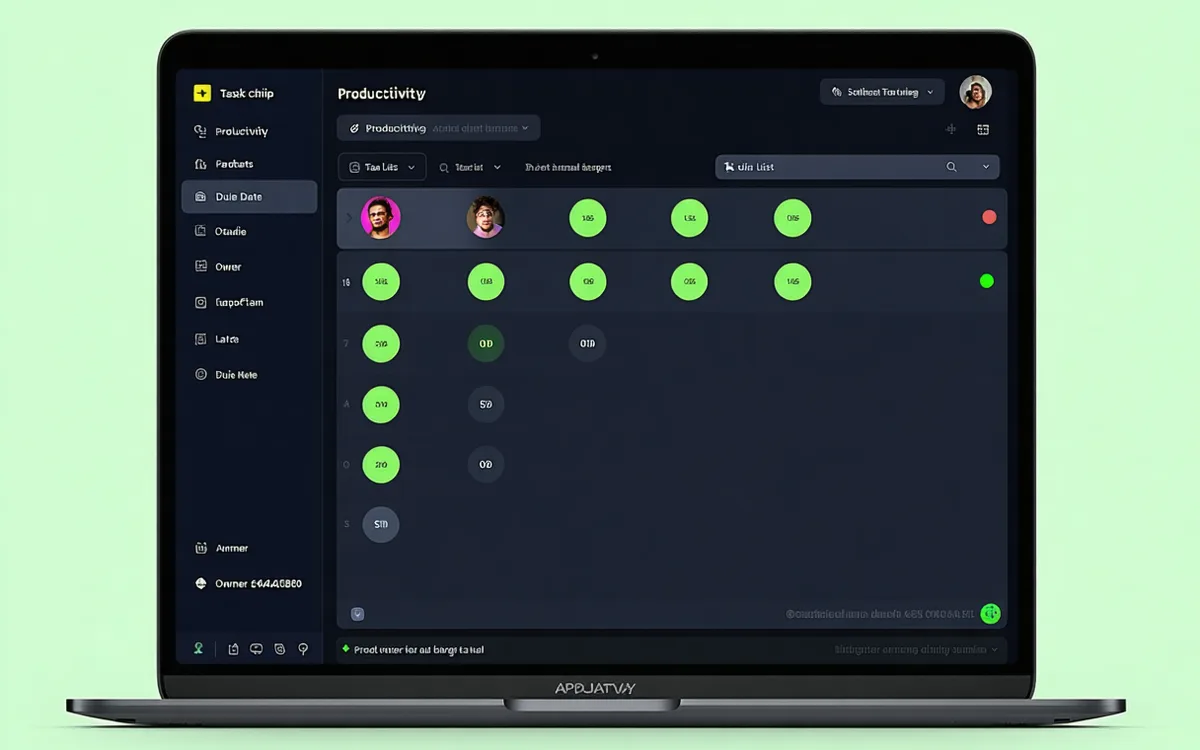
A task assigned to "the team" is a task assigned to nobody. Notarail builds a speaker map from the first two minutes of each call, identifies each participant by voice, and ties commitments to the person who spoke them. When someone says "I'll handle the API spec," the record shows their name — not a pronoun, not a department.
Across recurring meetings, the system learns each participant's domain. By the third or fourth standup, it can infer ownership from context: if the same engineer has owned the auth module for two sprints, a new auth commitment routes to them even when the speaker is indirect. You can always override the assignment before pushing.
Meeting-type templates
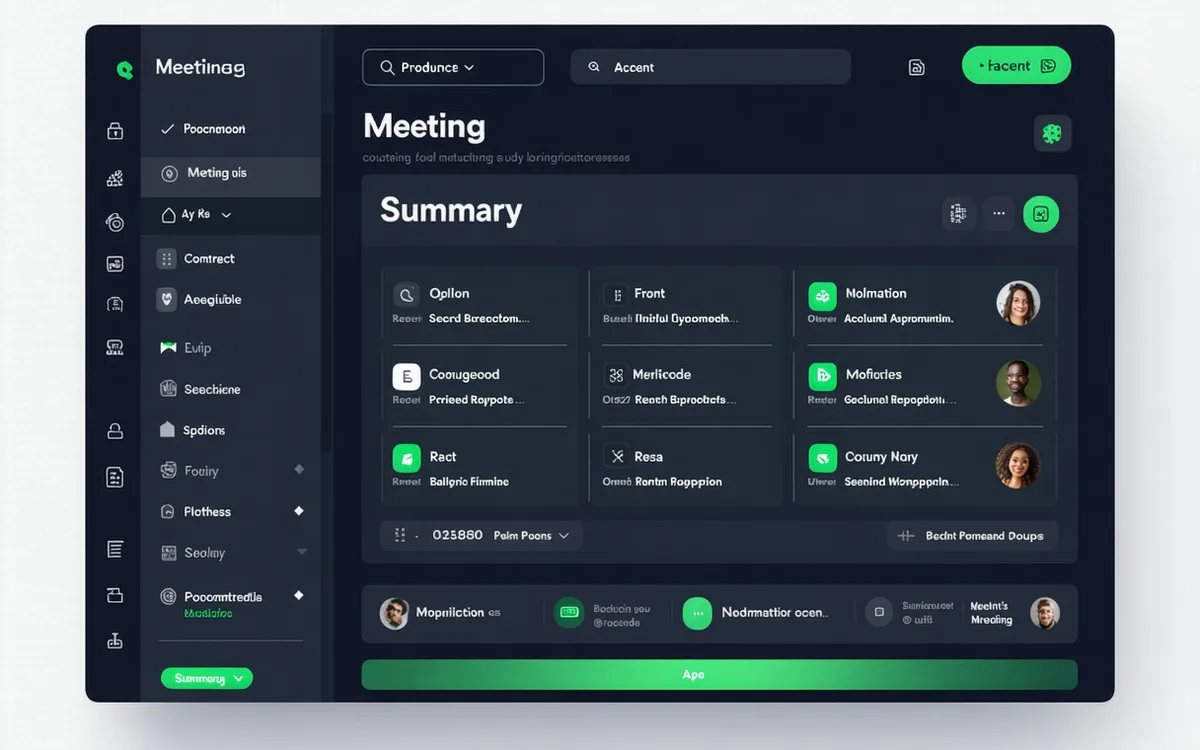
A daily standup produces different output than a sprint planning session. Notarail detects the meeting type — standup, retro, 1:1, planning, or ad hoc — and applies the appropriate extraction template. Standups output yesterday/today/blocker triplets. Sprint planning outputs epics and tickets with size estimates. Retros output action items and keep/stop/start groupings.
You can also pin a meeting type manually if the auto-detection misses context. Custom templates are available in the Growth plan.
Integration push with live changelog
Items pushed to Jira, Linear, Notion, or Asana arrive with full context: the task title, the owner, the due date, a short description derived from the conversation, and a back-link to the Notarail record. No half-baked stubs that need editing before they're actionable.
A per-meeting push log lets you review every item before it syncs (auto-push can be enabled for trusted meeting types). When the same item is discussed across multiple meetings, Notarail links the records and shows the update history.
Where Notarail sits in the stack
Meeting platforms on one side, project tools on the other. Notarail connects the two — listening in real time and pushing structured task output as soon as the call ends. No manual step in the middle.